

The first version is usually a rough mark, note, arrow, or shape. Vincent gives that early thought a place before it becomes finished visual work.
Vincent · Free
Digital Paper & Pen for Visual Thinking
Capture. Think. Explain. Export.
The first workspace of every project. Where ideas become visible before they become documents, designs, code, or finished work.
The Windows 6.0 MSI is currently unsigned, so Windows cannot verify iisacc as the publisher. SmartScreen or User Account Control may warn, request approval, or block installation; verify the SHA-256 shown on the private download page before installing. Review Windows installation details.
Vincent is free for macOS and Windows and is linked to your signed-in account. Private access lasts 30 days with up to 10 temporary download grants. No payment or subscription is required.
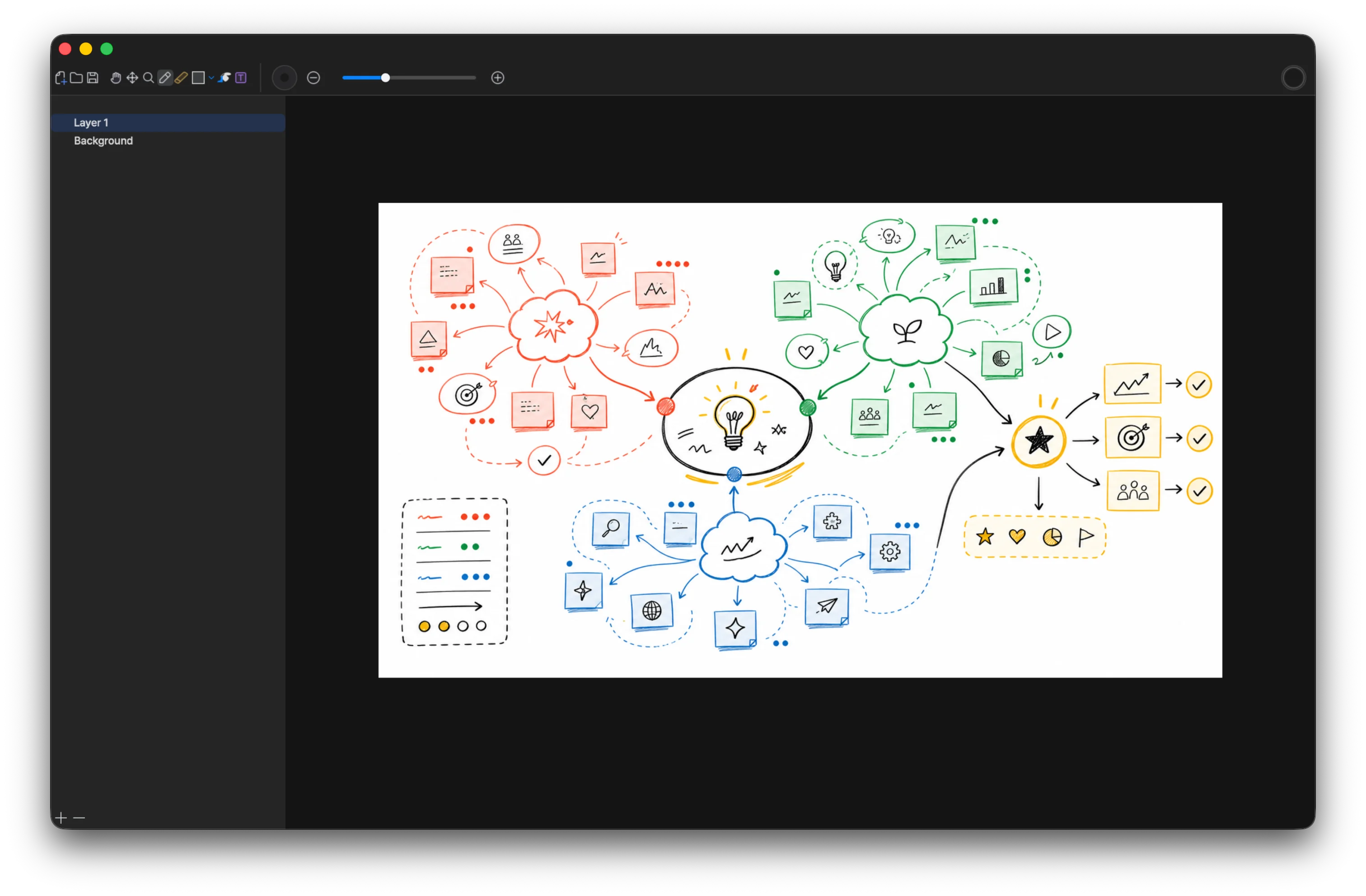
Before production
Use Vincent before the work has a fixed format.
Art, planning, marketing, programming, design, brainstorming, and presentations all have an early phase where the work is still loose. That is where Vincent fits: a neutral canvas for pre-production, first passes, rough structures, and the beginning of a workflow.
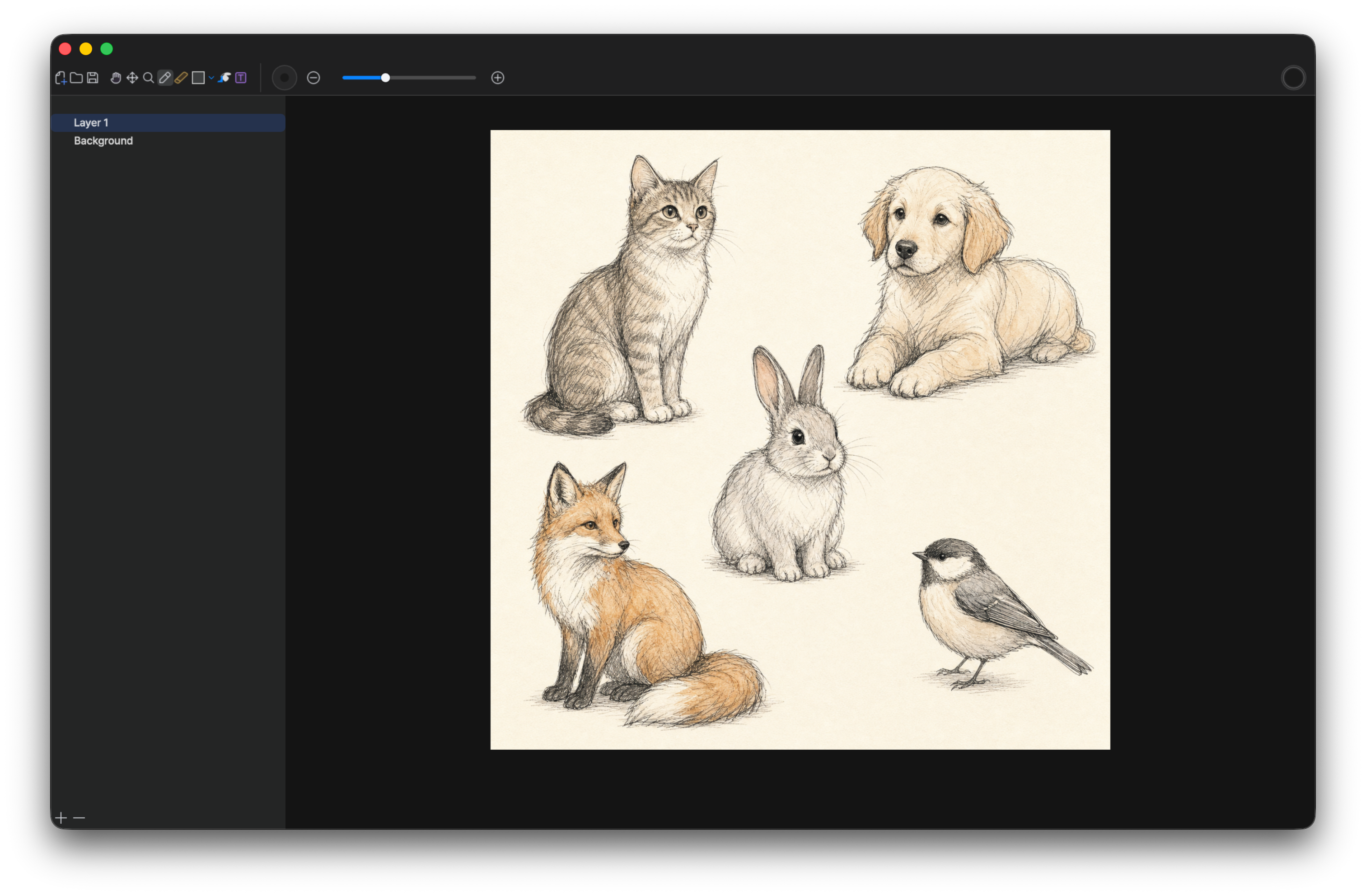
Before the finished canvas
Art
Use Vincent to thumbnail a composition, collect rough visual notes, compare directions, and decide what the image is trying to say before the polished art tool matters.
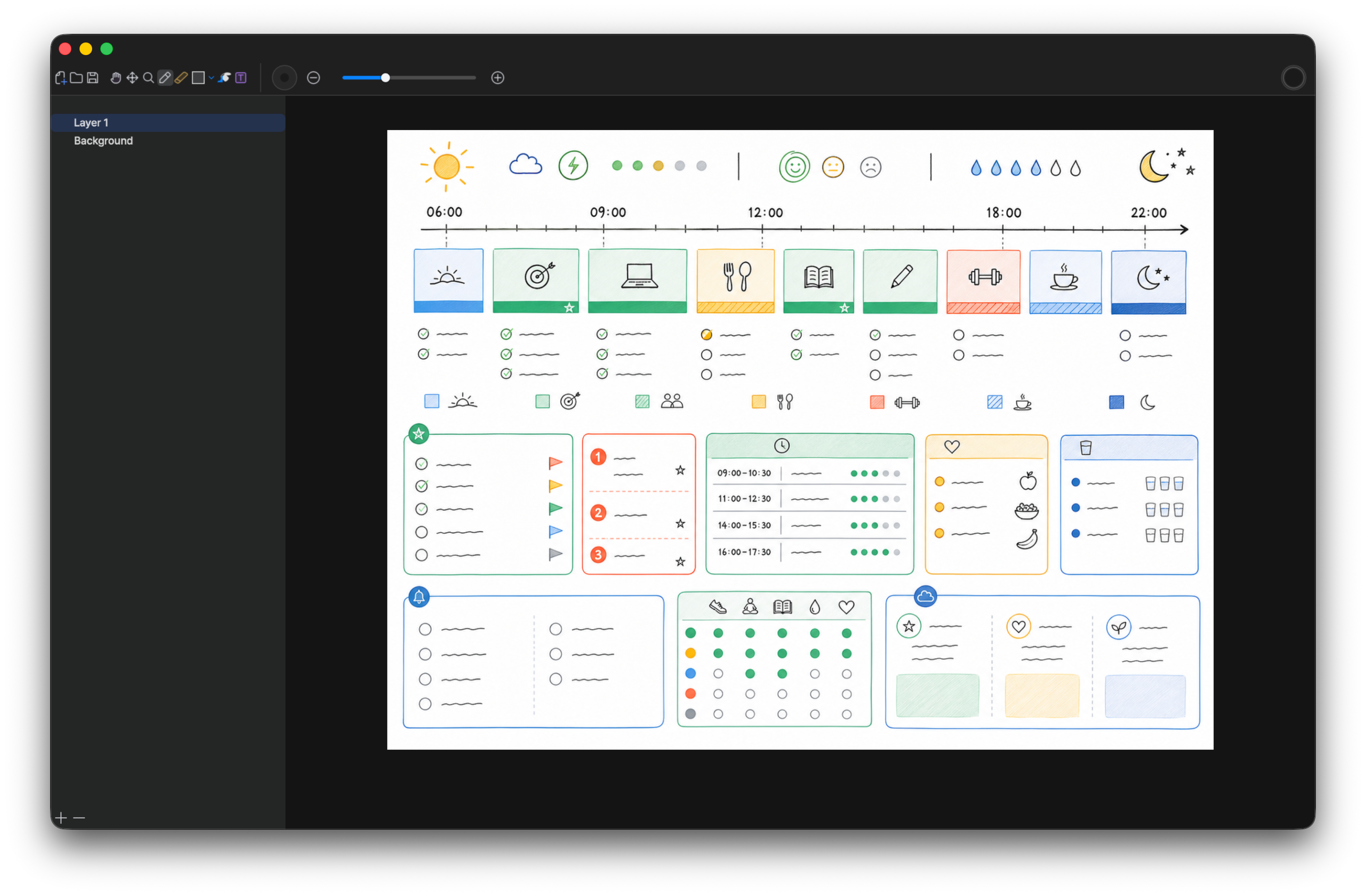
Before the tracker
Planning
Map the scope, order the moving parts, mark blockers, and make dependencies visible while the plan is still flexible enough to change without reformatting a document.
Before the campaign brief
Marketing
Sketch campaign angles, message flows, launch ideas, audience notes, and content structures before they become decks, briefs, calendars, or production copy.
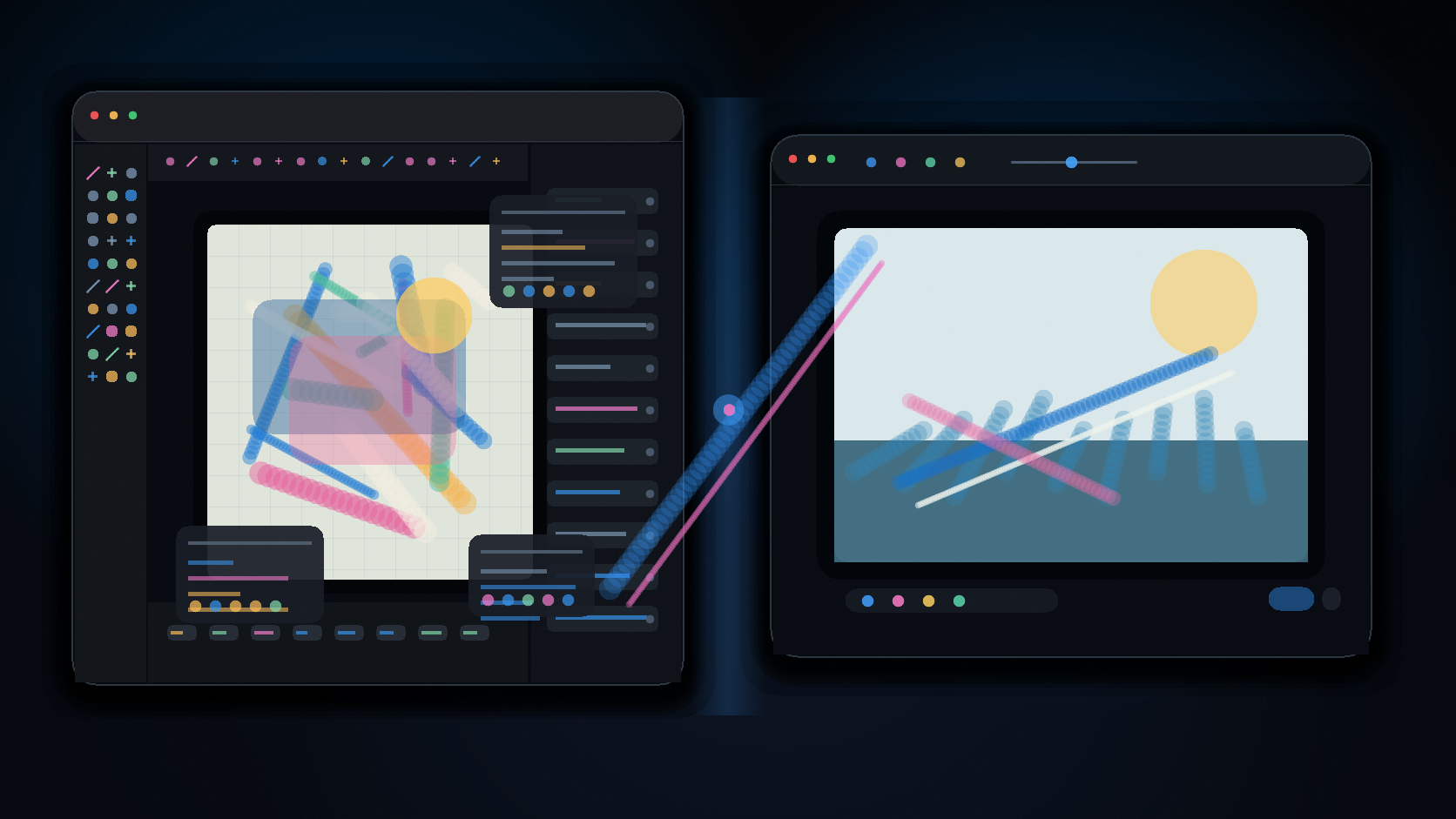
Before the IDE
Programming
Draw data flow, API shape, state machines, class relations, and architecture while the system is still a thought that needs to be seen before it is implemented.
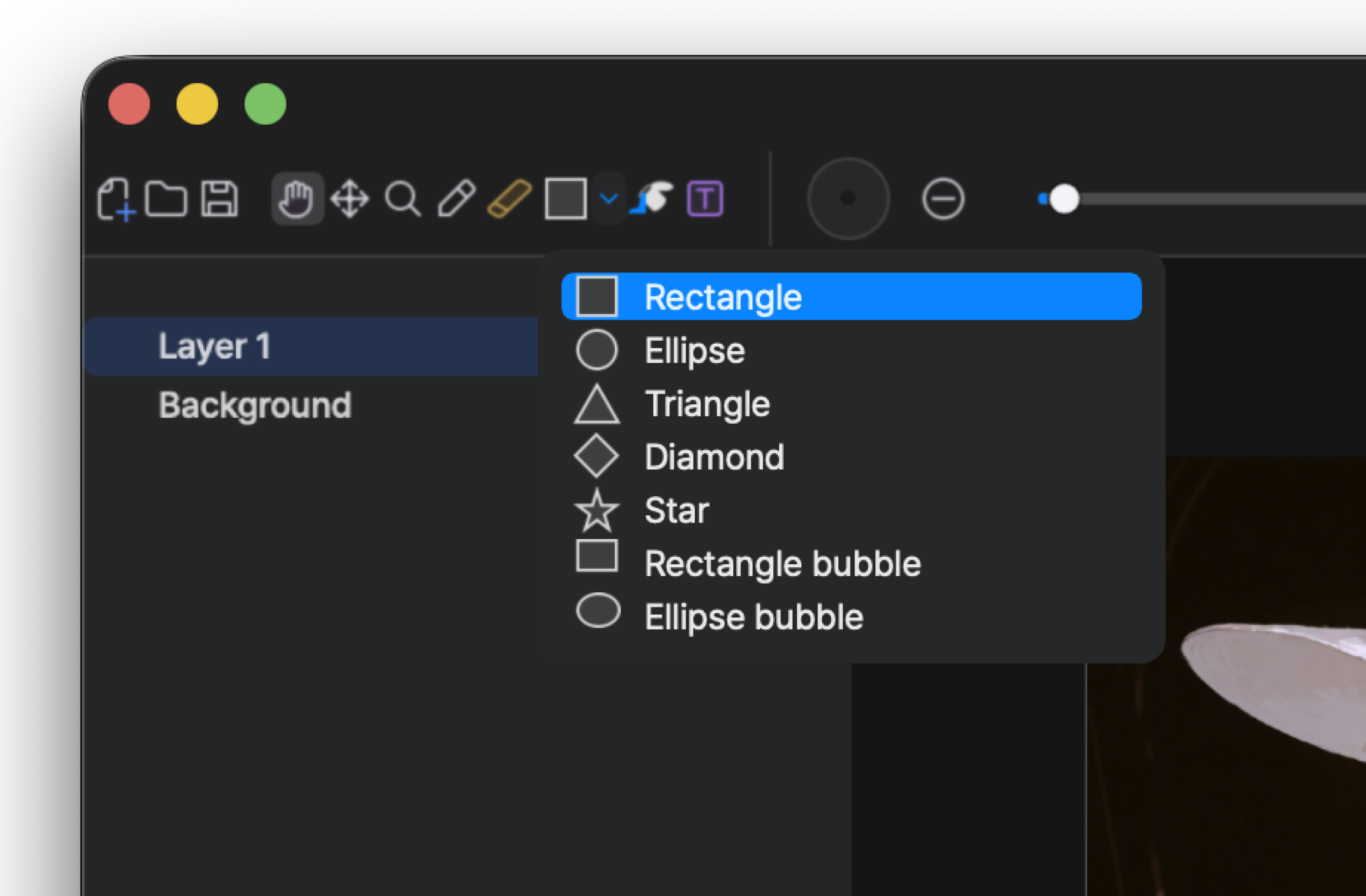
Before the design file
Design
Block layouts, wireframes, interaction notes, button placement, and user paths before the design file becomes formal enough to slow down the first decision.
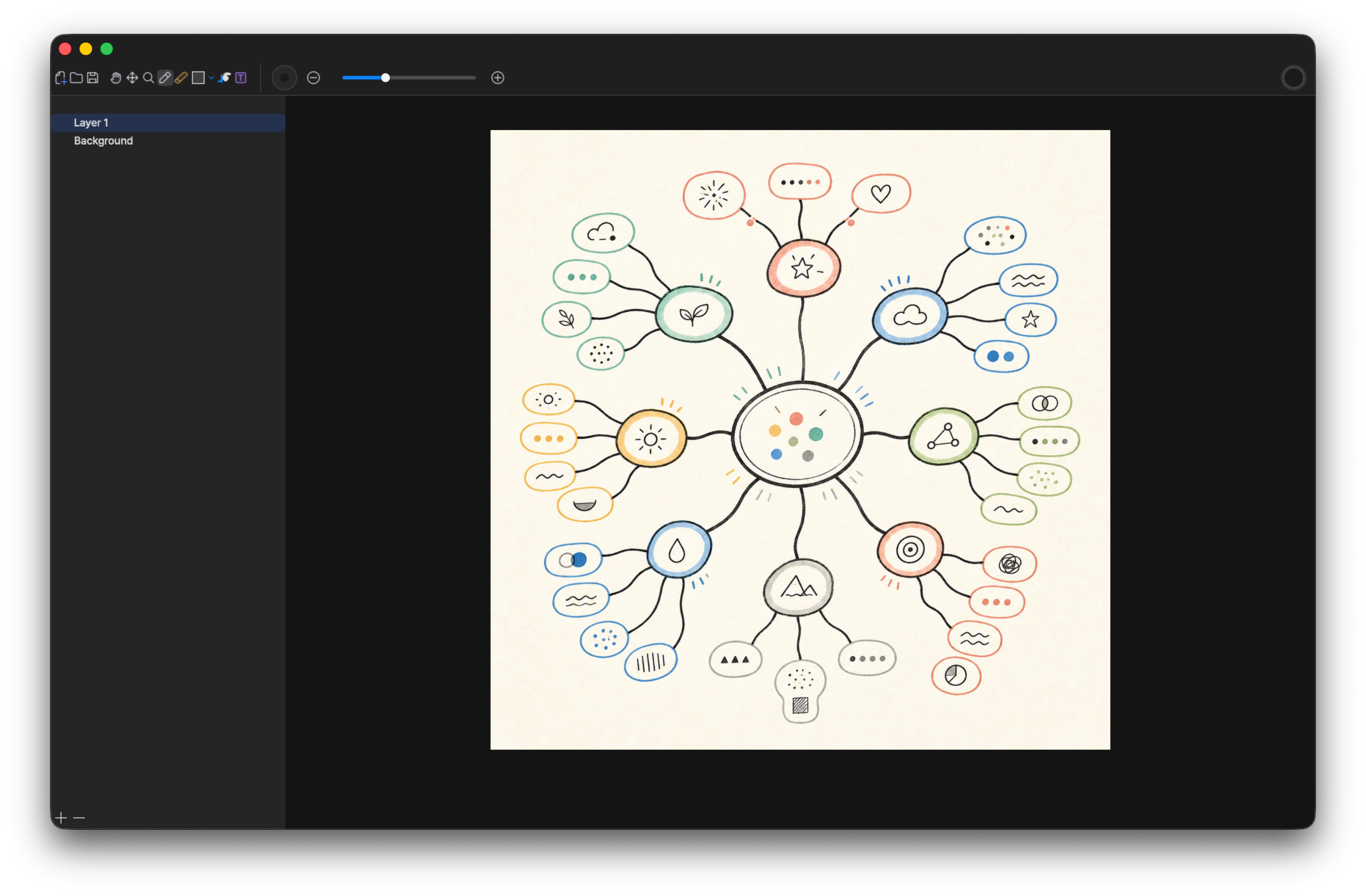
Before the decision
Brainstorming
Put alternatives, arrows, clusters, questions, constraints, and half-formed routes on the same canvas before the team commits to one direction too early.
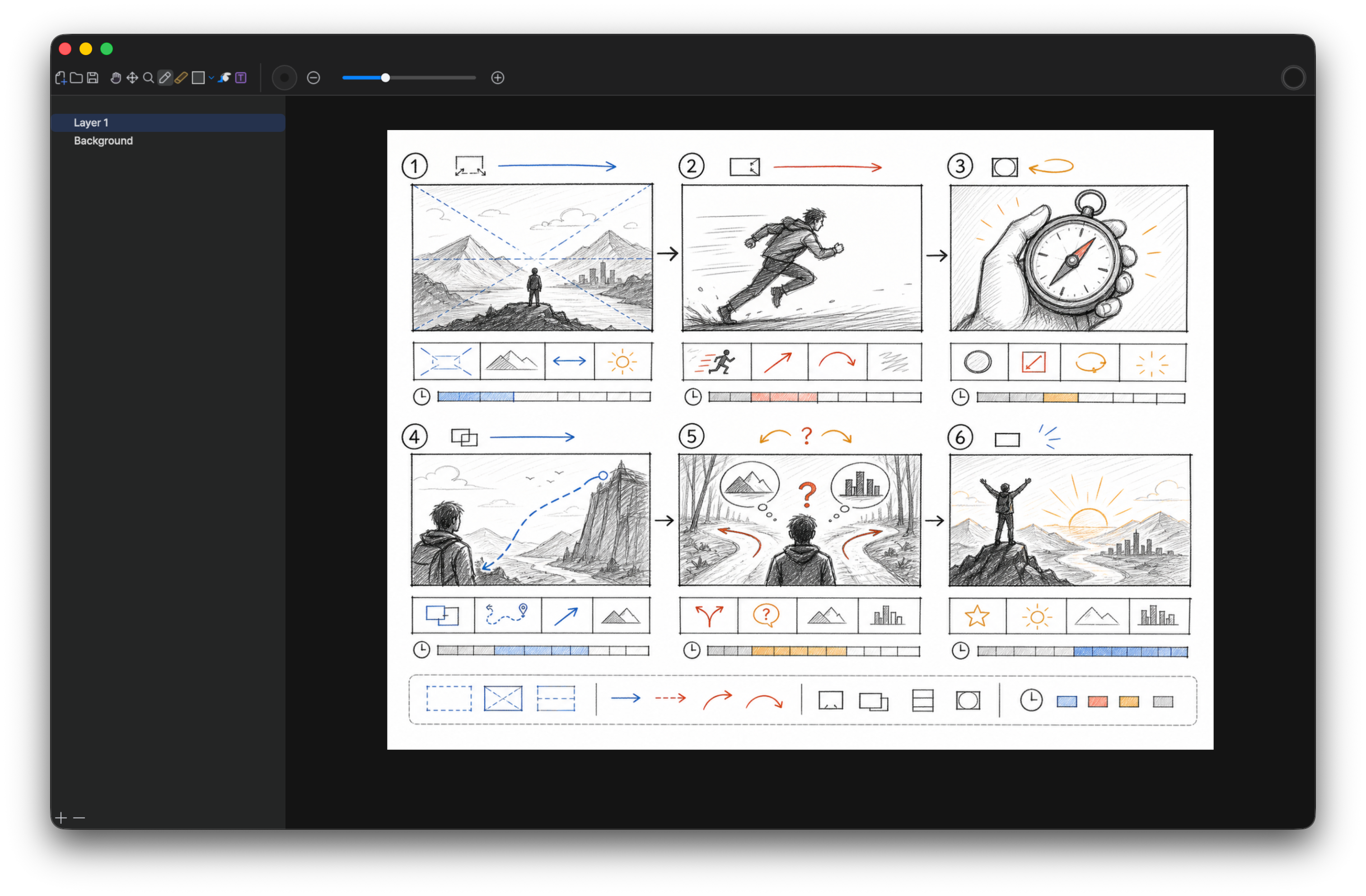
Before the slide deck
Presentations
Shape the story, test the order of points, explain a structure, and prepare live diagrams before slides become the final artifact people will see.
Use Cases
Open the canvas for the action you are already trying to take.
Do not choose Vincent by job title. Choose it by the moment, the stage of the work, and the kind of thought you need to make visible: capture, brainstorm, explain, study, sketch, or plan.Capture Ideas
Use Vincent when the idea is too early for a document but too important to keep in memory. Open a canvas, write the first words, add the shape around them, and keep the thought visible until you know what it should become.
- During a call, write names, dates, numbers, follow-up items, and the context around them on the same canvas.
- When a product, story, feature, or visual direction appears suddenly, capture it as words, arrows, boxes, and rough marks before it becomes polished.
- Turn errands, task lists, shopping notes, and personal reminders into a local canvas you can reopen instead of scattering them across temporary apps.
- Keep the canvas as a private scratch record, or export it when the note becomes useful to another person.
Brainstorm
Brainstorming usually begins with fragments, not a clean outline. Vincent gives those fragments room to spread out, collide, and become a structure before the team turns them into a plan.
- Put options, questions, risks, constraints, and references on one canvas instead of forcing them into a linear list too early.
- Use arrows, clusters, circles, and labels to show why one idea connects to another, or why two directions should stay separate.
- Compare campaign angles, product concepts, feature scopes, naming ideas, and story beats while they are still easy to move mentally.
- Leave the session with a visible map of the discussion, not only a memory of what was said.
Explain
Some explanations are faster when people can watch the thought become visible. Vincent works as a live canvas for meetings, classes, reviews, and screen shares where the structure matters more than polish.
- Draw the relationship between roles, screens, services, scenes, or decisions while the conversation is still happening.
- Turn a difficult verbal explanation into a simple sequence, hierarchy, timeline, or cause-and-effect sketch.
- Use the canvas beside slides or video calls when a prepared deck cannot answer a new question quickly enough.
- Export the finished explanation as a recap, teaching note, or follow-up attachment after the session.
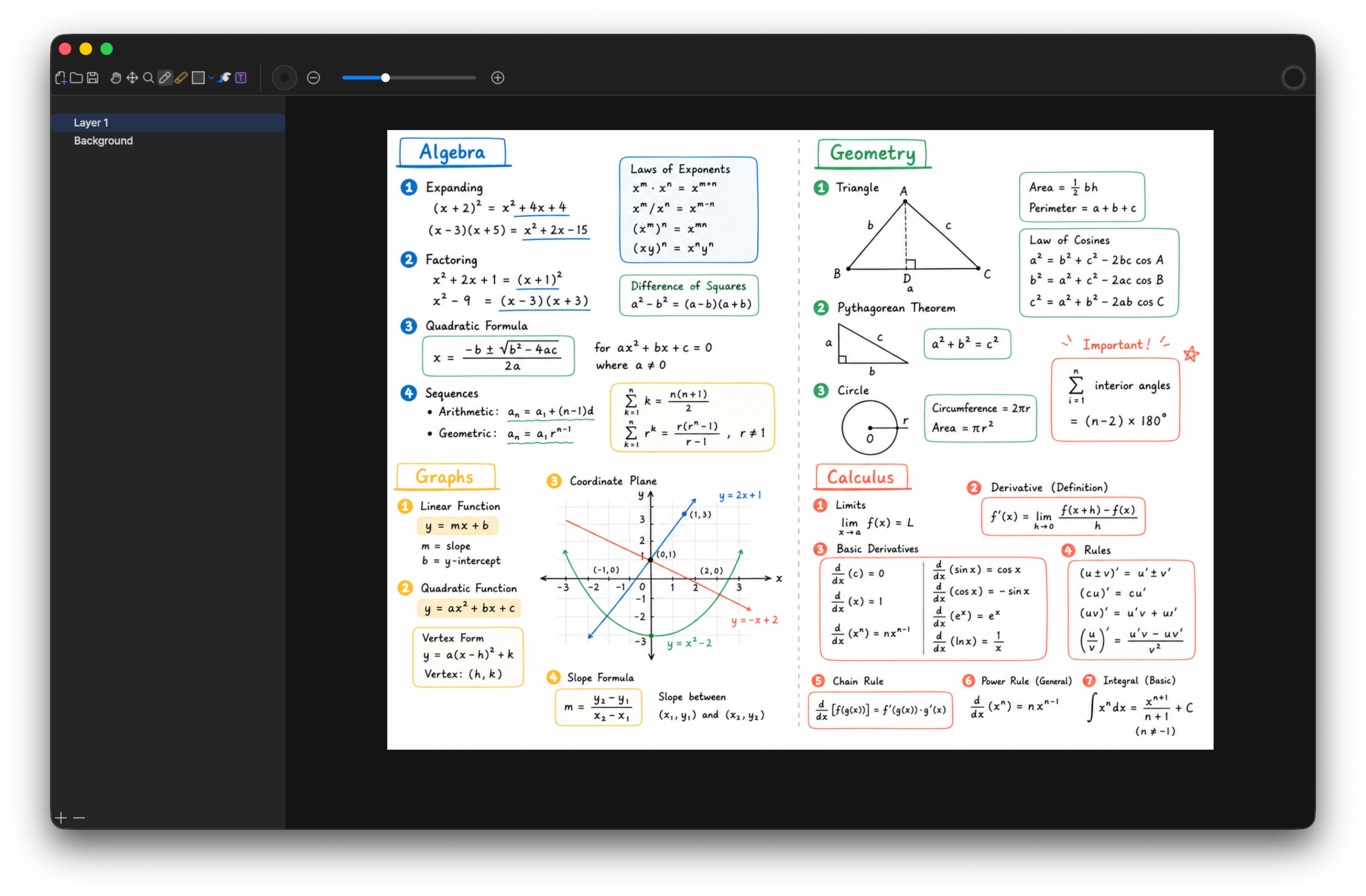
Study
Studying often requires handwriting, diagrams, mistakes, and revision in the same place. Vincent keeps the canvas flexible so you can work through the subject instead of formatting the subject.
- Solve math, physics, chemistry, and finance steps by hand while keeping side notes and diagrams close to the calculation.
- Trace algorithms, data structures, proofs, and technical concepts as boxes, arrows, tables, and short text labels.
- Build lecture notes that mix handwriting, typed anchors, visual emphasis, and summary marks without committing to a rigid document layout.
- Keep local study sheets for review, or export the useful ones for class, tutoring, or team explanation.
Sketch
A sketch does not have to be final to be useful. Use Vincent for the first visible version of an interface, scene, character, level, logo, or composition before a specialist tool takes over.
- Block out UI screens, flows, button placement, and screen hierarchy before opening a structured design file.
- Rough out game levels, storyboard beats, character silhouettes, prop ideas, and visual composition while the direction is still forming.
- Compare several small alternatives on one canvas instead of polishing the first idea too early.
- Hand the rough sketch to yourself or someone else as a visual brief for Figma, Photoshop, Blender, or another production tool.
Plan
Planning becomes clearer when tasks, timing, priorities, and dependencies can sit on the same canvas. Vincent lets you shape the plan visually before turning it into a calendar, tracker, or formal document.
- Map project phases, ownership, blockers, and decision points before converting the work into tickets or schedules.
- Sketch product launches, content plans, travel routes, study plans, and personal routines while they are still changing.
- Use checklists, arrows, priority boxes, and rough timelines to see what should happen first and what can wait.
- Keep the rough planning canvas local, then export the version that needs to be shared with a team, client, class, or family.
Workflow
Start on the canvas, finish in the right tool.
When the work is still a thought, you need a canvas. When it becomes a deliverable, move it to the professional tool or channel that fits the result.
Idea Vincent Tools / Channels Finished Work
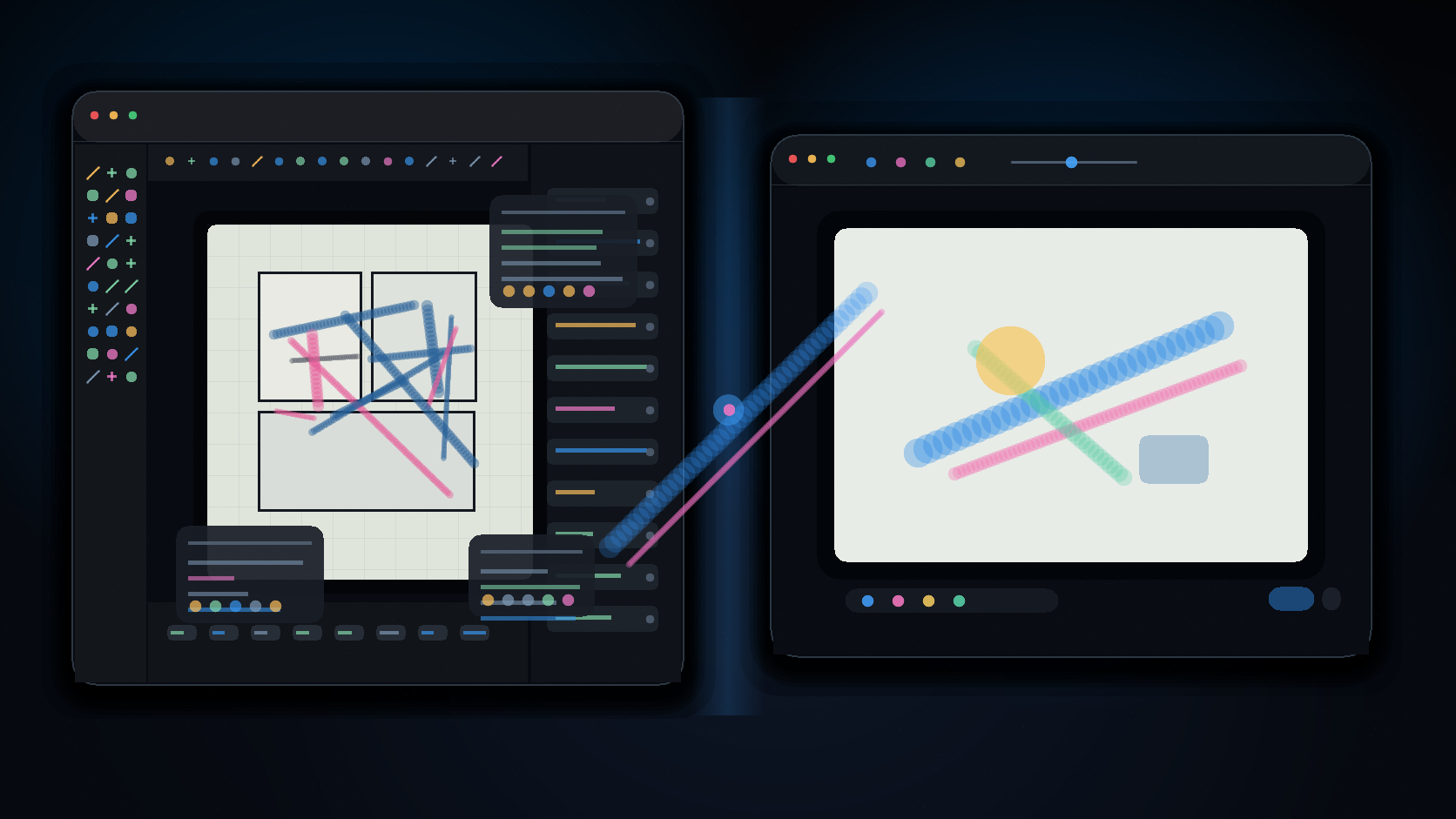
- Photoshop still owns finished image editing.
- Figma still owns structured interface design.
- VS Code, Word, Blender, and YouTube still own their finished artifacts.
- Capture the first shape without choosing a final format.
- Explain the rough version while it is still changing.
- Export or keep the canvas beside the project when the next tool starts.
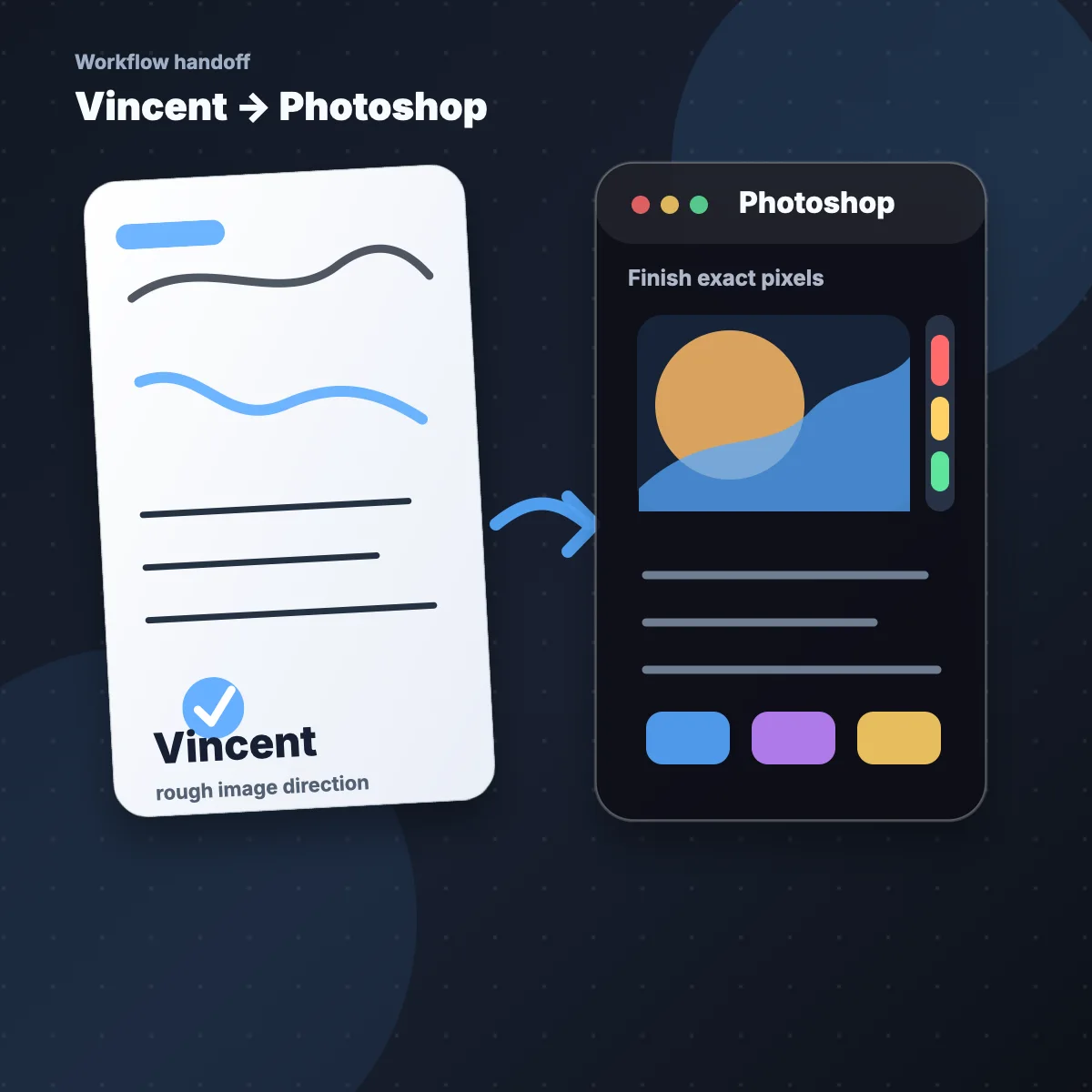
Vincent → Photoshop
Use Vincent to test the composition, mark what should change, and keep the image direction loose. Photoshop can start after the rough canvas already says what to retouch, mask, recolor, or export as finished pixels.
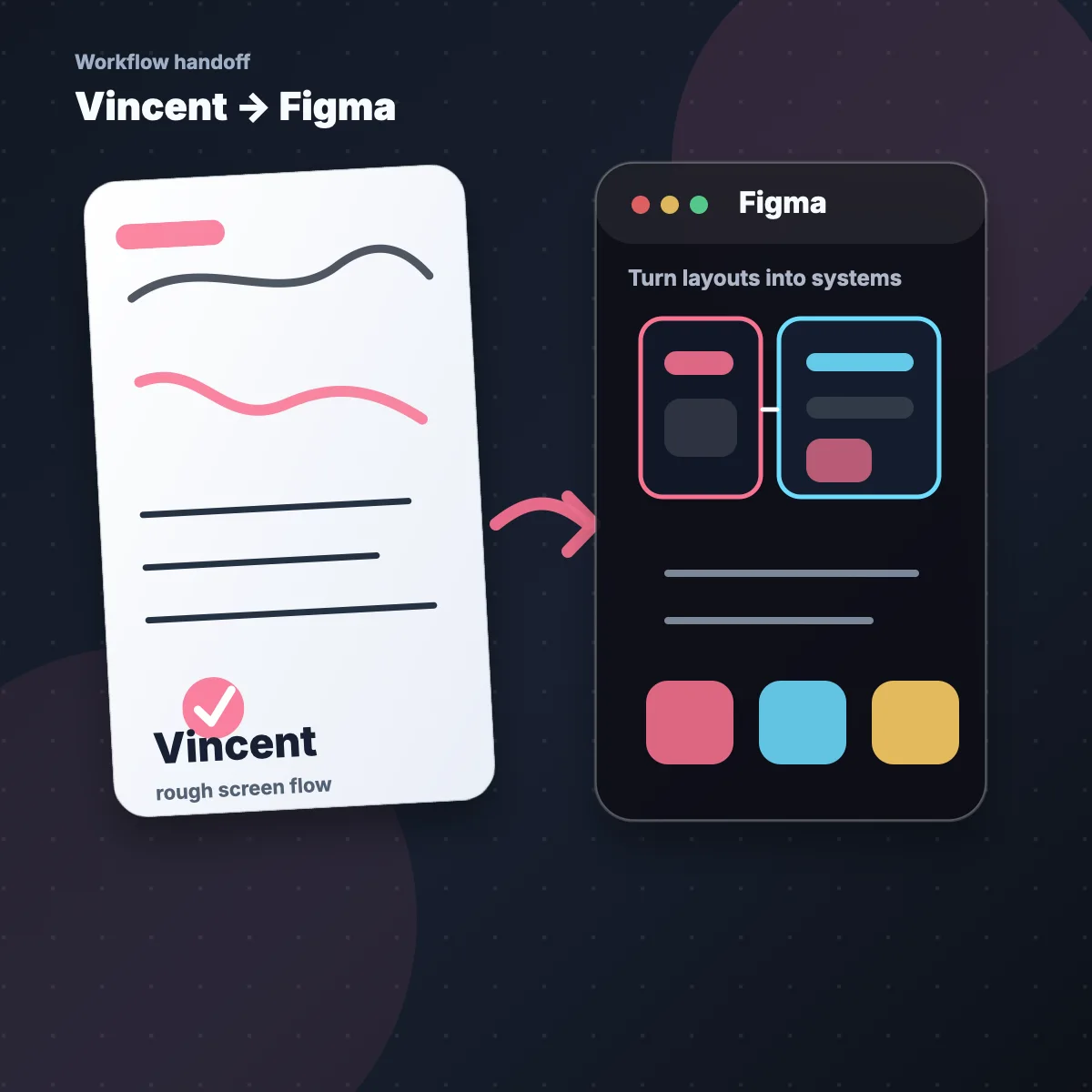
Vincent → Figma
Use Vincent to explore screens, flows, button placement, and rough hierarchy before the design file becomes structured. Figma can then turn the clearest canvas into components, grids, variants, and shared specs.
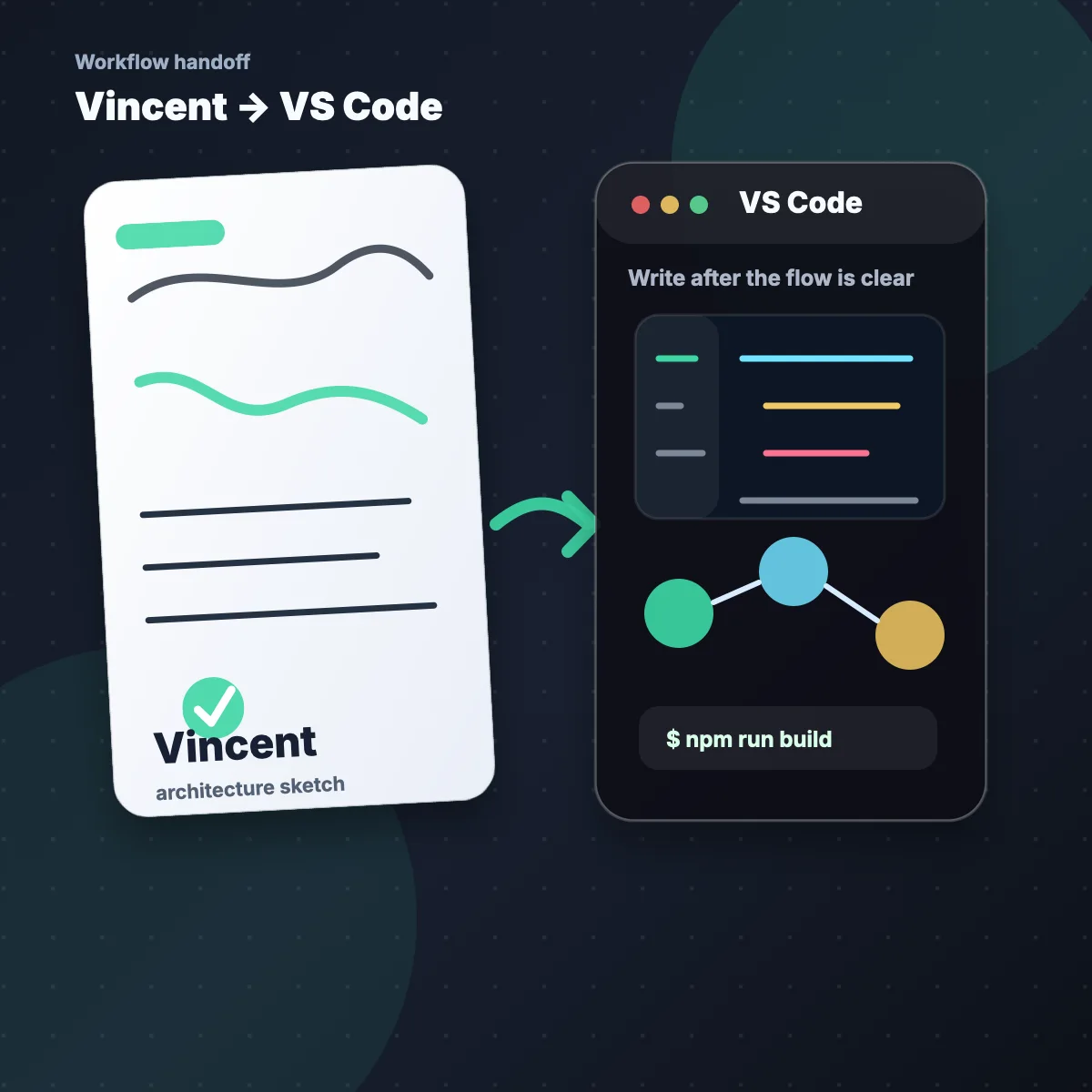
Vincent → VS Code
Use Vincent to draw data flow, API shape, state transitions, and architecture while the idea is still flexible. VS Code becomes the implementation space once the relationships are clear enough to write.
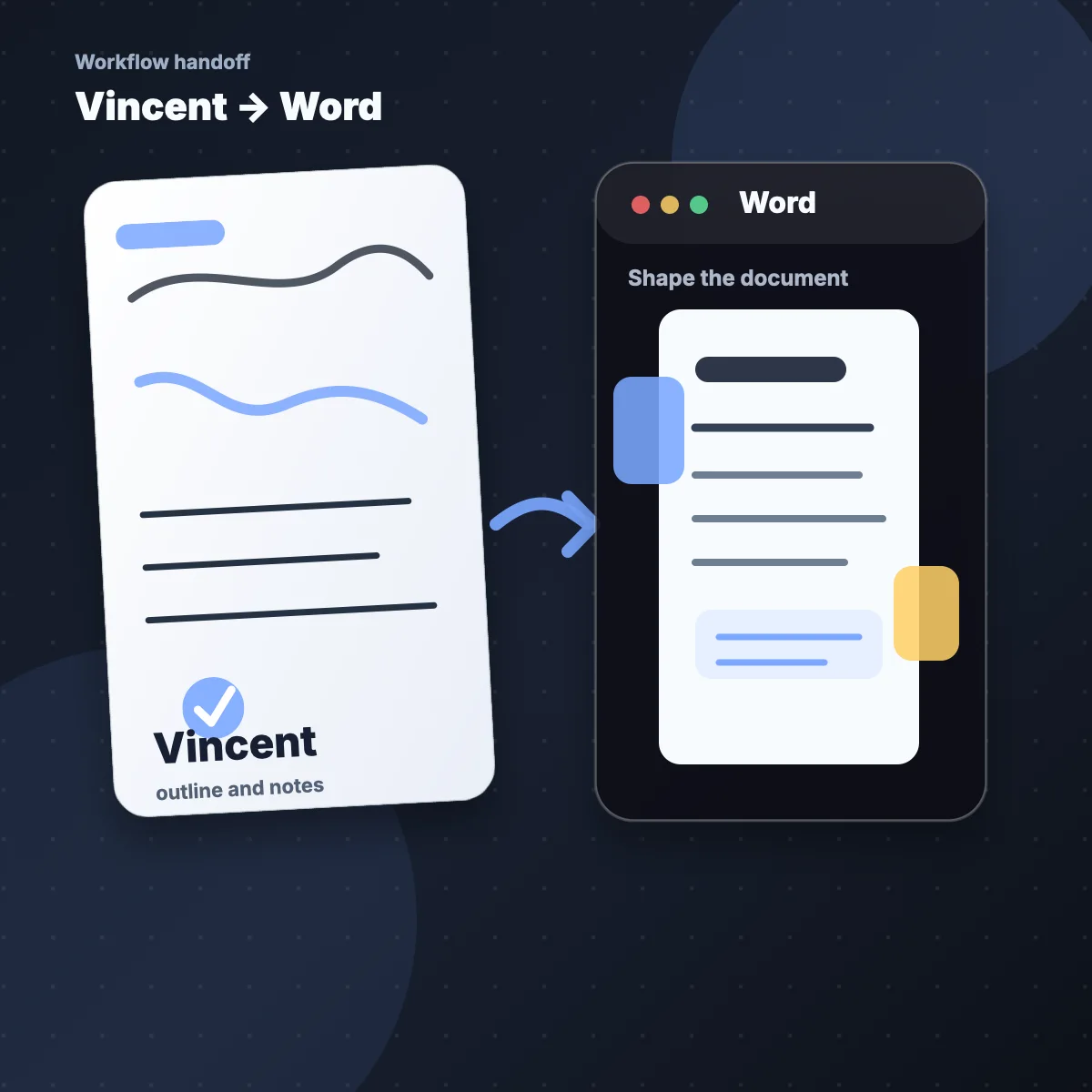
Vincent → Word
Use Vincent to collect the outline, argument, diagram, and order of sections before formatting starts. Word can take over when the rough thinking canvas is ready to become polished prose, citations, tables, or a shareable document.
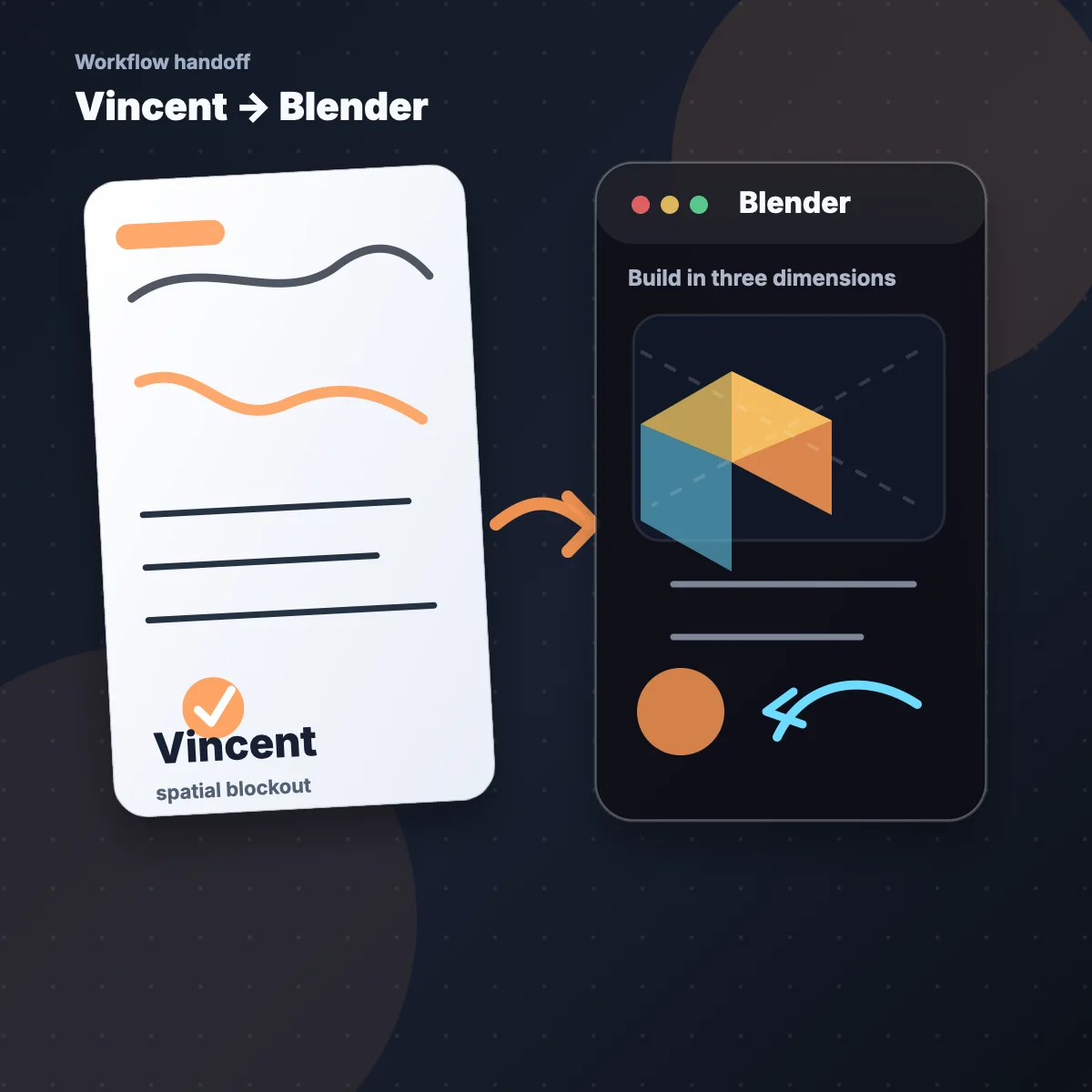
Vincent → Blender
Use Vincent to block out a scene, object relationship, camera angle, or level idea before building geometry. Blender becomes the production tool after the spatial plan is visible enough to model.
Vincent → YouTube
Use Vincent to outline the video idea, sketch the sequence, collect talking points, and decide what the viewer should understand before recording starts. YouTube becomes the publishing channel after the explanation is clear enough to share.

Get Vincent for macOS and Windows — Free
Ideas move quickly. Open Vincent while the thought is still rough, then keep the words, lines, shapes, and flow together on one local canvas.
Get Vincent — Free
Free · No payment or subscription · 30 days of private access · up to 10 grants
A Canvas for Every Thought
Find the canvas that looks like your next moment. Meeting, math, architecture, travel, wireframe, recipe, journal, roadmap: each one can begin on the same simple canvas.
Live notes
Meeting
Open a canvas.
Formula steps
Math
Open a canvas.
System shapes
Architecture
Open a canvas.
Scene order
Storyboard
Open a canvas.
Idea links
Mind Map
Open a canvas.
Route plan
Travel
Open a canvas.
Rough UI
Wireframe
Open a canvas.
Fast errands
Shopping List
Open a canvas.
Process path
Flowchart
Open a canvas.
Source notes
Research
Open a canvas.
Score marks
Music
Open a canvas.
Kitchen draft
Recipe
Open a canvas.
Private record
Daily Journal
Open a canvas.
Step trace
Algorithm
Open a canvas.
Board sheet
Lesson
Open a canvas.
Feature map
Product Plan
Open a canvas.
Rough numbers
Budget
Open a canvas.
Training log
Workout
Open a canvas.
Margin ideas
Reading Notes
Open a canvas.
Map sketch
Game Level
Open a canvas.
Screen blocks
UI Layout
Open a canvas.
Choice paths
Decision Tree
Open a canvas.
ERD draft
Database
Open a canvas.
Object links
Class Diagram
Open a canvas.
Open canvas
Brainstorm
Open a canvas.
Study recap
Lecture
Open a canvas.
Next steps
Roadmap
Open a canvas.
Immediate capture
Call Note
Open a canvas.
Features
The feature language stays close to the result. You are not configuring a studio. You are making the thought visible.
Outcomes
Use the canvas the way you use paper.
Draw, write, connect, keep, and export without turning the first thought into a full-format production file.
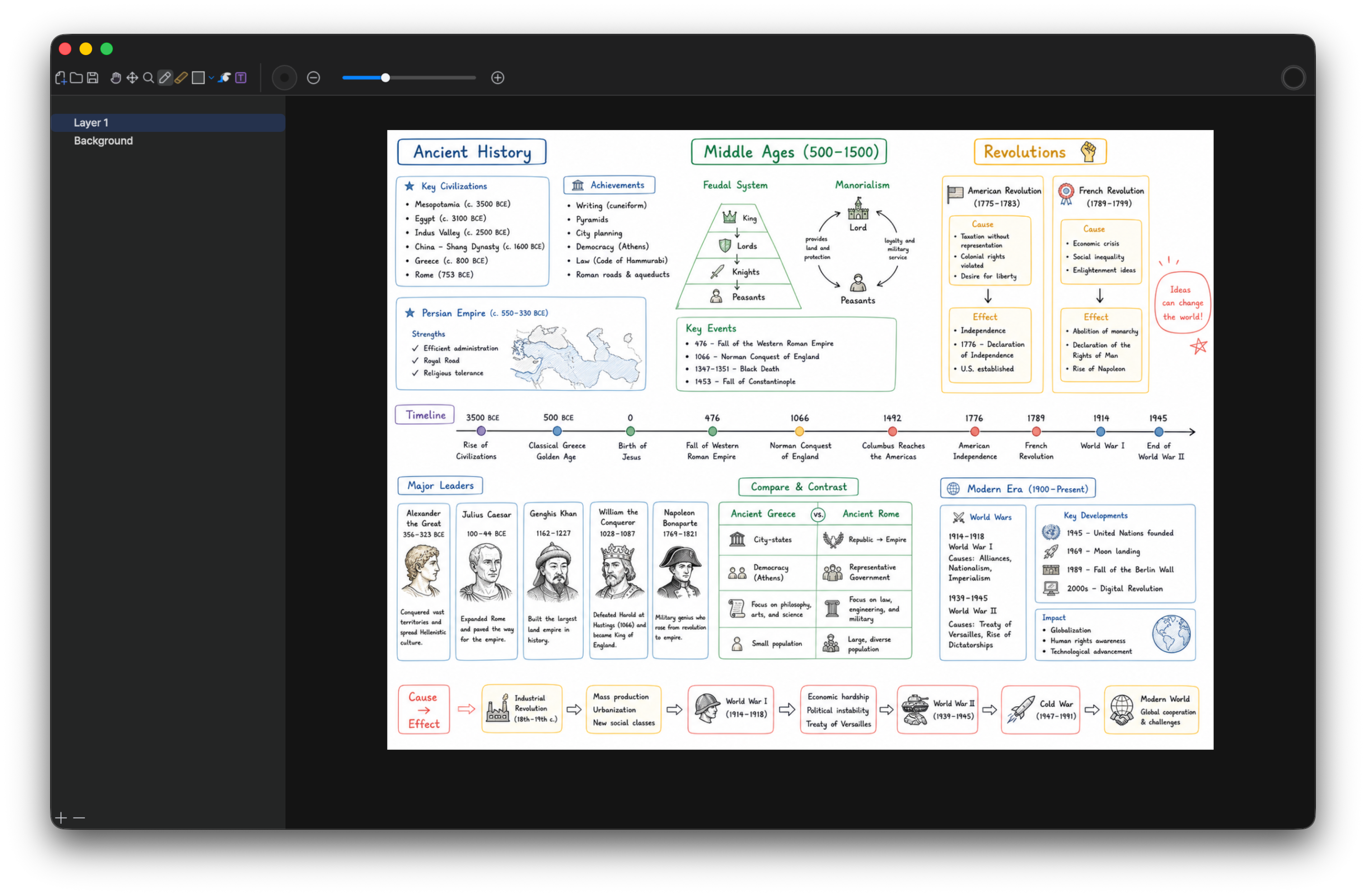
- Draw naturally.
- Mix handwriting and text.
- Mark relationships with lines and shapes.
- Keep the rough version beside the project.
- Export when the canvas becomes useful.
- Return to the local file when the thought continues.
Gallery
Different use cases, same benefit: make the thought visible early enough that the next step becomes easier to choose.
Study
Work through hard material
Keep the reasoning visible while you solve, revise, and summarize. Formulas, side notes, diagrams, false starts, and small discoveries stay together, so the canvas preserves how the answer was reached instead of only saving the final result. When you return later, you can see the path of the thought and pick up from the exact place where the material became clear.
- You see the path, not only the final answer.
- You can export the useful sheet when it becomes a review note or teaching reference.
Meetings
Leave meetings with a shared shape
Capture the structure of the conversation while it is happening. Decisions, open questions, ownership, objections, sketches, and next steps can sit on one canvas instead of being split across chat messages and memory. By the end of the meeting, the group has something visible to correct, confirm, and carry forward.
- You leave with a visible agreement people can point to.
- You reduce the chance that action items disappear after the call ends.
Planning
Turn loose plans into next steps
Put timing, priorities, blockers, dependencies, reminders, and possible paths in the same visual space before the plan becomes a tracker or calendar. The benefit is momentum: you can compare the messy version, notice what should happen first, and move into a more formal tool only after the order makes sense.
- You make the plan easier to adjust before it hardens.
- You can hand off a clearer rough plan to a team, client, or future self.
Brainstorming
Find the relationship between ideas
Spread ideas out before ranking them. Arrows, clusters, labels, repeated words, and empty space help you notice which concepts belong together and which direction is too weak to keep pursuing. Vincent gives the early thought enough room to stay playful while still becoming a structure you can explain to yourself or someone else.
- You avoid forcing early thoughts into a linear outline too soon.
- You can turn scattered notes into a usable structure for the next tool.
Sketching
Make a rough visual brief
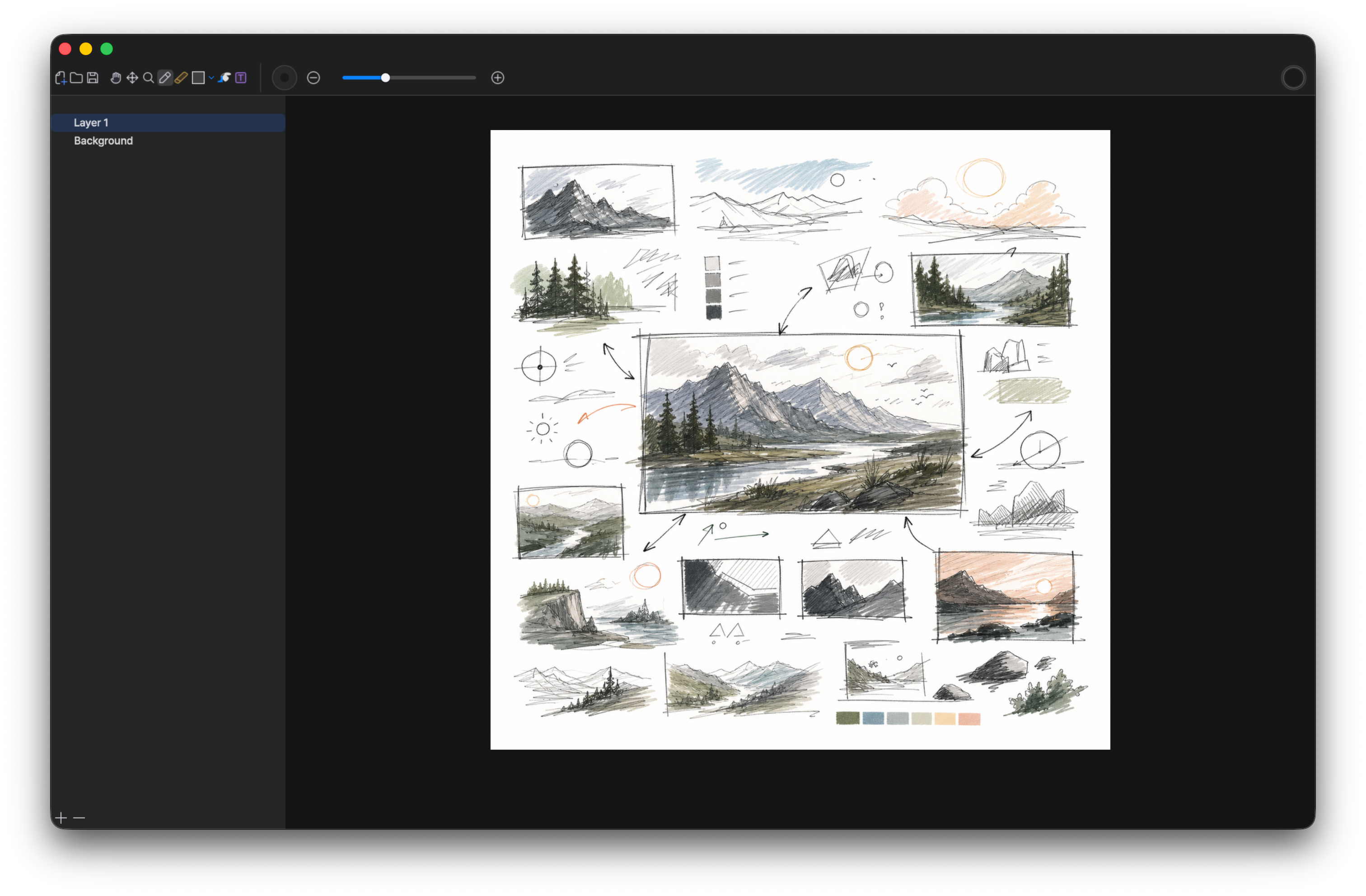
Use a fast canvas to decide what the thing should become before opening a specialized app. A rough interface, scene, character, level, logo, or layout idea can carry enough context to guide the real production pass. You can mark what matters, reject the weak direction, and keep the creative intent intact before polish starts to narrow the work.
- You compare alternatives without polishing the first option too early.
- You give yourself or another person a clearer starting point for Figma, Photoshop, or Blender.
Life
Keep personal decisions visible
A canvas can hold the messy parts of everyday decisions: routes, schedules, costs, reminders, preferences, tradeoffs, and the little notes that usually scatter across apps. You get a single place to compare options before turning them into bookings, lists, messages, or a plan you can actually follow.
- You reduce scattered notes when the plan is still changing.
- You can reopen the canvas when a new constraint appears.
Research
Remember by arranging the thought
When a topic has dates, causes, people, quotes, references, and competing explanations, arranging them by hand makes the structure easier to remember. Vincent lets you place evidence beside interpretation, connect what depends on what, and keep the research as a thinking record instead of a folder of disconnected notes.
- You keep context close to the facts you need to recall.
- You can turn the strongest canvas into a study aid, research note, or explanation.
FAQ
Direct answers about getting this free desktop tool and using it in your workflow.
What is Vincent for?
Vincent is digital paper and pen for the early stage of work: notes, diagrams, explanations, study sheets, planning boards, and rough visual thinking before the idea becomes a document, design, code task, or finished file.
Is Vincent a professional drawing suite?
No. Vincent is intentionally lighter than a professional image editor. Use it when you need a fast canvas for thinking, explaining, marking, arranging, and exporting the useful result.
Do I need an account or cloud storage?
Vincent does not require an account while you use the local canvas, and working files stay on your computer. A verified iisacc account is required to add Vincent for free, manage its license, and access the private installers.
Where should Vincent fit in my workflow?
Use Vincent before the heavy tool. It is the place to see the shape of the thought, collect constraints, sketch options, and decide what should move into Photoshop, Figma, VS Code, Word, Blender, a presentation, or a video plan.
What kinds of work is Vincent good for?
It works well for meeting notes, brainstorming, study sheets, formulas, research maps, route planning, UI sketches, screenshot explanations, storyboard notes, and personal decision boards.
Can I export a canvas?
Yes. Keep the working canvas locally while it is still changing, then export the version that needs to become a message, attachment, lesson, project reference, or handoff note.
What platforms are supported?
Vincent targets Apple Silicon macOS and Windows x64. The 6.0.0 macOS release is notarized. The Windows 6.0.0 x64 MSI includes the same license manager and is currently distributed without an Authenticode signature. Windows cannot verify iisacc as the publisher, and SmartScreen or User Account Control may warn, request approval, or block installation. Verify its exact SHA-256 before installation.
Is Vincent free?
Yes. Vincent is free for macOS and Windows. There is no payment, checkout, or subscription. Sign in to add it to your account and open the installers.
How do I get the free installers?
After signing in, add Vincent for free to your iisacc account and open the private download page. Access lasts 30 days with up to 10 temporary private download grants. If private access expires or reaches its limit, request free access again from your account. Existing paid order records remain available for purchase support.
Should I use Vincent for private rough work?
Yes. Vincent is useful for private notes, early plans, rough explanations, and unfinished thinking because the canvas can stay local until you decide it is ready to export.
Get Vincent for macOS and Windows — Free
Start with a local canvas when typing becomes limiting, explaining becomes difficult, or an idea needs to become visible before it becomes finished work.
Get Vincent — Free
Free · No payment or subscription · 30 days · 10 temporary grants